AI color grading for commercial video: how DaVinci Resolve's neural color match and Premiere's scene edit detection keep multi-camera campaigns consistent at delivery speed.
Key Takeaways
Maintaining color consistency across multi-camera commercial shoots is one of the most time-consuming challenges in post-production. For consistent product photography, see our commercial studio services. An A-cam Sony FX3 shooting S-Log3 and a B-cam drone or secondary angle under changing natural light often produce disparate color shifts. When cut together in a commercial reel, inconsistent skin tones or drifting product colors immediately undermine production quality.
Modern AI color grading and scene analysis tools have transformed this process from manual correction into an automated, precise workflow.
Rather than manually balancing lift, gamma, and gain across dozens of timeline cuts, DaVinci Resolve's neural engine analyzes tonal histograms and spectral color distributions between a reference hero shot and target clips. It aligns exposure, white balance, and contrast in a single click, providing a solid 80% baseline that only requires minor creative refinement.
When adapting a 60-second brand film into rapid 15-second cutdowns for Instagram and YouTube ads, see our commercial campaign services, Premiere Pro's AI scene detection identifies cut transitions automatically. This eliminates manual timeline scrubbing and allows editors to immediately begin re-sequencing high-impact hooks.
Read our broader review of AI video tools for commercial campaigns or explore our commercial photography and content services.
The editor samples a reference frame — usually the hero shot graded by the colorist — and the neural engine matches exposure, white balance, and contrast of every other clip to it by comparing tonal histograms and spectral distributions. One click delivers an ~80% baseline.
For mechanical consistency across multi-camera footage, yes. For creative intent — brand palettes, skin tone craft, scene mood — no. Professional pipelines use AI for the baseline pass and a colorist for the final 20% that defines the look.
AI analyzes the timeline and marks every cut automatically. When repurposing a 60-second brand film into 15-second social cutdowns, this removes hours of manual scrubbing and lets editors start re-sequencing hooks immediately.
Shoot both to log profiles where possible, set a common white-balance reference on set, then run a neural color match against a shared reference frame — product shots with known neutrals (a grey card or the packaging itself) make the strongest targets.
About the author
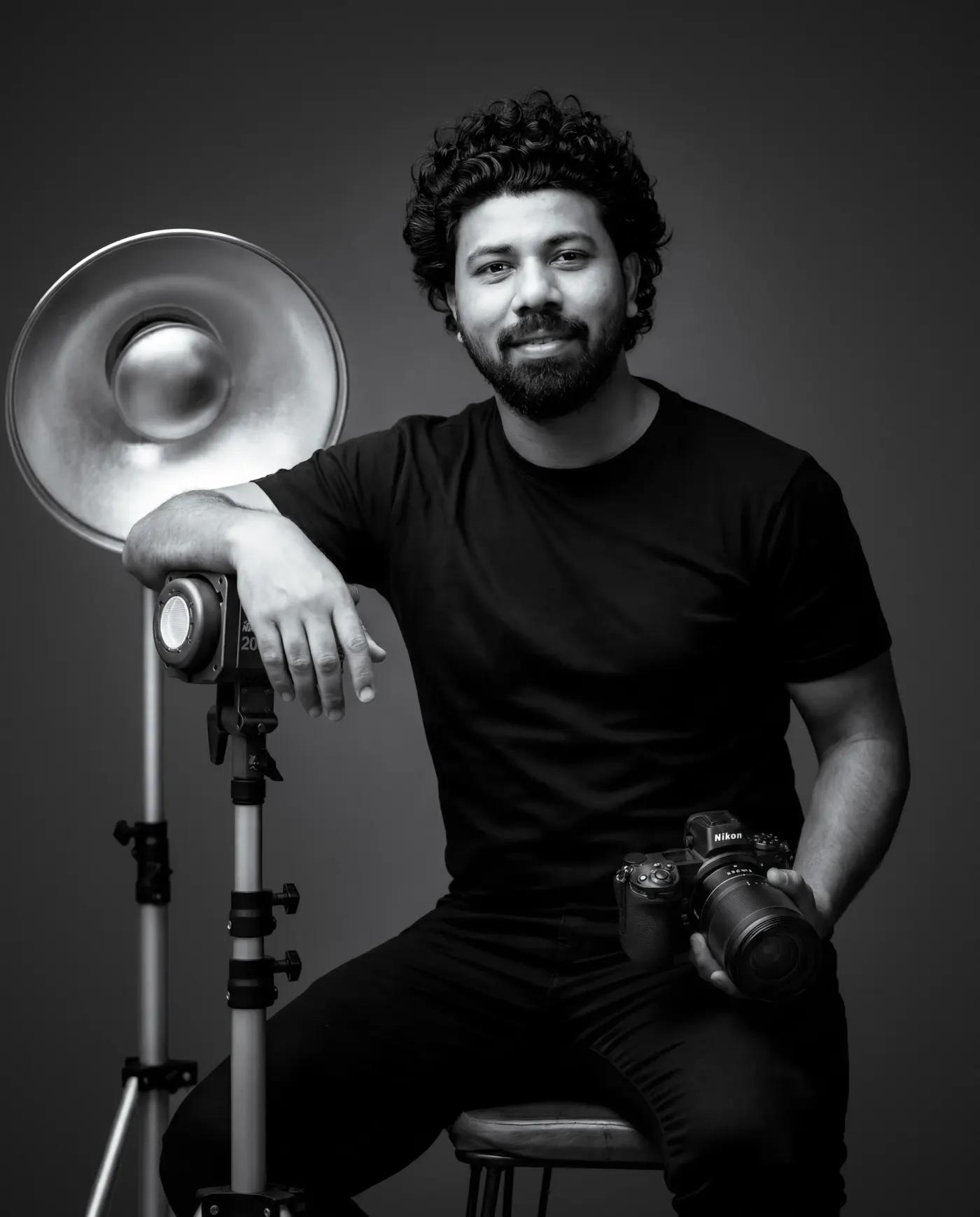
Commercial product photographer based in Dehradun, India. 6+ years shooting product, food & beverage, and advertising campaigns with in-house retouching. Serving brands across Uttarakhand and pan-India.
View full profile →AI video editing tools reviewed on live commercial campaigns: Runway, Premiere Pro AI, and DaVinci Resolve — measured in production hours saved, not marketing hype.
GuidesCommercial photo retouching explained stage by stage: culling, ColorChecker color calibration, non-destructive cleanup, frequency separation, and multi-format delivery.
AI & PhotographyAI product backgrounds done right: match key-light angle, hardness, and color temperature before you shoot, then composite with a three-pass pipeline that never looks fake.
Consistent color science across still photography and video campaigns.
View our commercial video & photo portfolio →