AI product backgrounds done right: match key-light angle, hardness, and color temperature before you shoot, then composite with a three-pass pipeline that never looks fake.
Key Takeaways
Generative AI background replacement has moved from an experimental novelty to a practical studio technique. For brands that need multiple lifestyle scenes without building half a dozen expensive physical sets, generative environments offer incredible flexibility. However, 90% of AI-generated product images online look cheap and artificial. The culprit is almost never the AI tool itself — it is a failure of physical lighting physics.
An AI background can generate a hyper-realistic marble countertop or sun-drenched Scandinavian kitchen in seconds. But if the physical product was lit with flat, diffuse front-light while the background has a sharp, warm directional sunset, the composite instantly screams fake. Here is how we bridge physical studio craft with generative post-production.
Before pressing the shutter in our studio, the intended background environment must already be planned. For commercial product photography with custom environments, see our product photography services. If the product will live in a morning sun lifestyle scene:
1. Match Key Light Angle: We position our primary studio strobe at 45 degrees high camera-left, mirroring the angle of the intended window light.
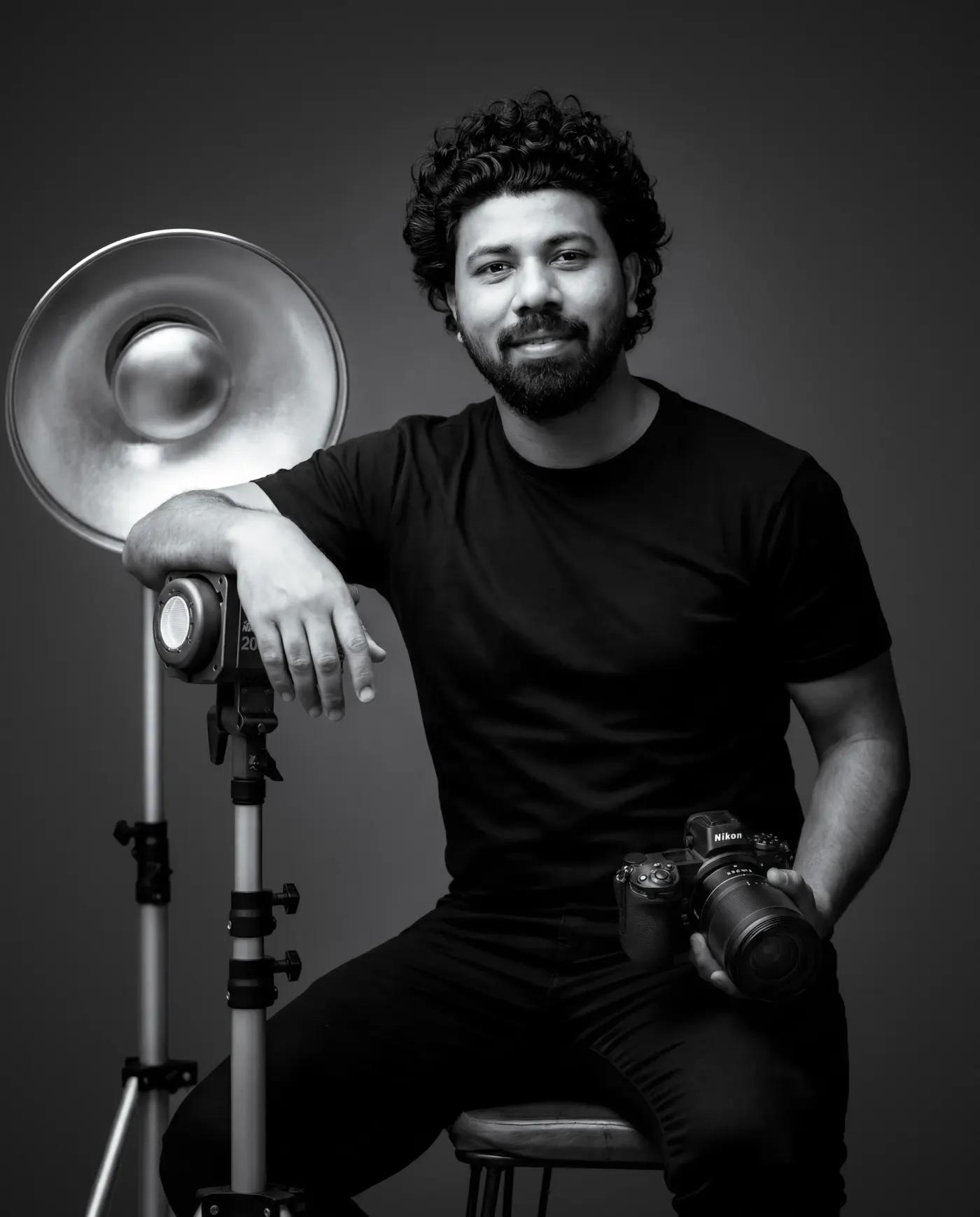
2. Match Light Hardness: We use a focused beauty dish or silver reflector to create defined specular edges rather than a massive diffuse softbox.
3. Color Balance Matching: We gel rim lights to match the ambient warmth (e.g., 3800K warm bounce for sunlight, 5600K clean white for modern studio setups).
When the physical shadows and highlights on the product obey the same optical physics as the generated environment, the composite blends seamlessly.
- Pass 1 — Studio Capture on Neutral Sweep: The product is photographed on a neutral grey or color-matched sweep with calibrated studio lighting. We capture a clean contact shadow frame using a transparent acrylic riser or polarizing filter to preserve base contact.
- Pass 2 — Controlled Background Generation: Using tools like Adobe Firefly or Midjourney v6 with strict camera perspective prompts (e.g., *'shallow depth of field, 85mm lens at f/2.8, soft morning light from left, out of focus luxury bathroom countertop'*).
- Pass 3 — Atmospheric Blending in Photoshop: We composite the product, blend the native contact shadow onto the new surface, and add subtle light wrap and ambient color bounce around the product edges.
Generative backgrounds work exceptionally well for matte skincare containers, packaged snacks, tech accessories, and boxed goods. Because these surfaces do not mirror their surroundings, the background integrates cleanly.
However, for high-gloss chrome, glassware, and polished metals, generative backgrounds still fall short. A reflective whiskey bottle reflects everything 360 degrees around it in the real studio. When composited into a generated room, the mismatched studio reflections break the illusion immediately. For these products, practical set styling remains irreplaceable. See our guide on photographing glass and liquid for how we handle reflective beverage assets.
For regional brands across Dehradun and Uttarakhand looking to elevate catalog imagery, combining studio packshots with tasteful generative environments delivers campaign-grade visuals at a fraction of traditional location build costs. Check out our commercial photography services or get in touch to plan your next shoot.
For the Amazon main image, no — marketplace rules require a pure white background with the product filling about 85% of the frame. AI backgrounds are for secondary and lifestyle images, social content, and ads, where they perform extremely well.
Because the product was lit for a neutral studio, then dropped into a scene with different light physics. If the generated background has warm directional sunset light but the product carries flat, shadowless front-light, the composite fails instantly. Match light direction, hardness, and color temperature on set first.
Adobe Firefly for commercially safe generation inside Photoshop, Midjourney for scene ideation, and dedicated compositing tools for perspective-locked backgrounds. The tool matters less than the three-pass pipeline: neutral capture, perspective-matched generation, then atmospheric blending.
For one-off lifestyle scenes, usually yes. For glossy products — chrome, glassware, packaged liquids — real sets remain mandatory, because mirror-like surfaces reflect the actual environment and expose a generated backdrop immediately.
About the author
Commercial product photographer based in Dehradun, India. 6+ years shooting product, food & beverage, and advertising campaigns with in-house retouching. Serving brands across Uttarakhand and pan-India.
View full profile →Will AI replace product photographers? After 12 months of AI tools on live commercial shoots: what genuinely accelerates production, and where physics and brand accuracy still demand a studio.
AI & PhotographyAI upscaling for e-commerce product images: when Topaz Gigapixel safely rescues legacy assets, when Magnific hallucinates textures that kill trust, and the zoom standards that matter.
GuidesCommercial photo retouching explained stage by stage: culling, ColorChecker color calibration, non-destructive cleanup, frequency separation, and multi-format delivery.
Looking for premium product imagery with lifestyle context?
Book a commercial product shoot with custom environments →